How do I start my trial?
On desktop or mobile, create a BlindBox profile and your 14-day free trial starts automatically with no payment required. On the website, choose a plan and check out—your payment method is collected up front, then your 14-day trial runs before billing starts. Upgrade anytime from Settings → Payments in the apps, or from your account page on the website. Subscribe on the website and get 20% off your first 2 months after the trial.
Why subscribe on the website?
Website subscriptions include 20% off your first two months after the trial, and more of what you pay goes directly toward BlindBox accessibility work. Use the same account on every device once you subscribe.
Can I use BlindBox for my team or organization?
Yes. Organizations can buy volume seats, assign them by email, and reassign seats when people change. Start at /org or view volume pricing on the Organizations page.
What makes Insight different from Basic?
Basic covers one mailbox, 10-minute auto-refresh, calendar connections, and the full accessibility toolkit. Insight adds multiple mailboxes, 5-minute auto-refresh, and more AI image and attachment analysis.
What is on-device dictation, and which plan gets the larger cleanup model?
Dictate privately on your device. BlindBox polishes punctuation and filler while keeping your meaning intact. Speech cleanup is on every plan; the larger cleanup model is Insight Plus only.
Which mail providers are supported?
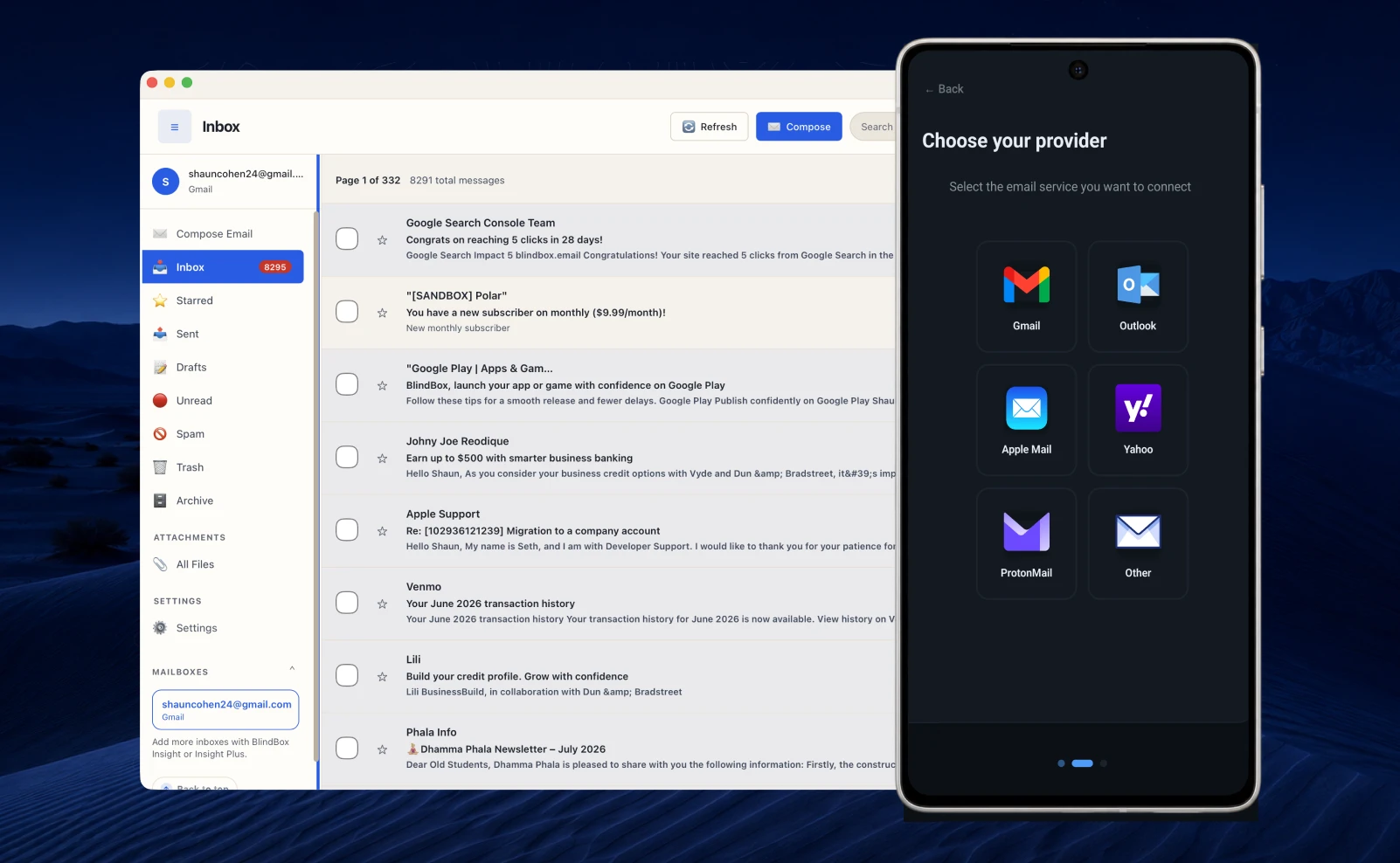
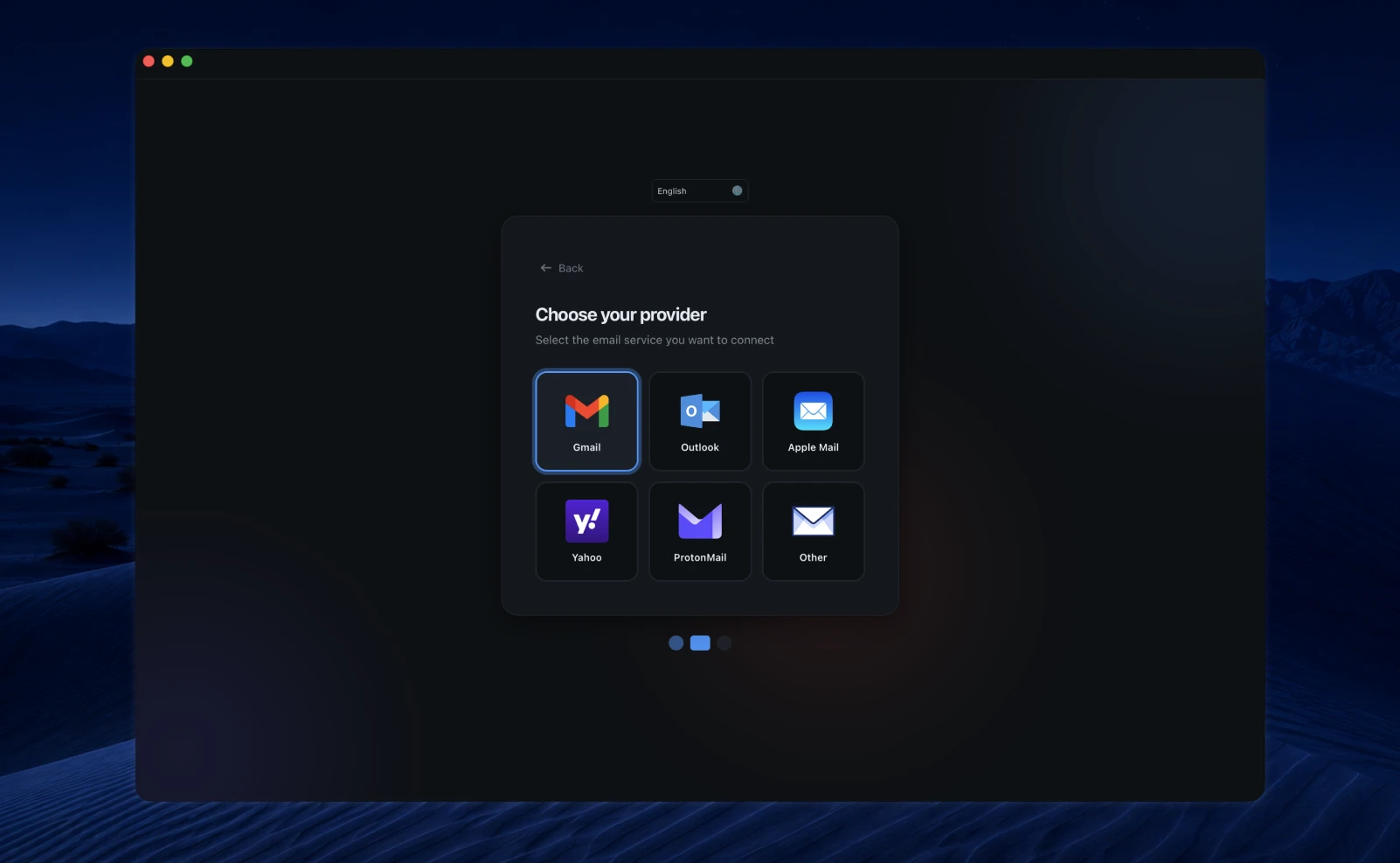
BlindBox works with Gmail, Outlook, Yahoo, iCloud, and most other providers that support standard mail protocols.
Is my data secure?
BlindBox is designed with a privacy-first, local-first approach. Core mailbox sessions, preferences, and on-device dictation stay on your device where possible, while BlindBox services process the account, billing, security, and optional AI data needed to run the product.
Does BlindBox replace my current email provider?
No. You keep your current address and provider; BlindBox is the app you use to access them.